Dievio
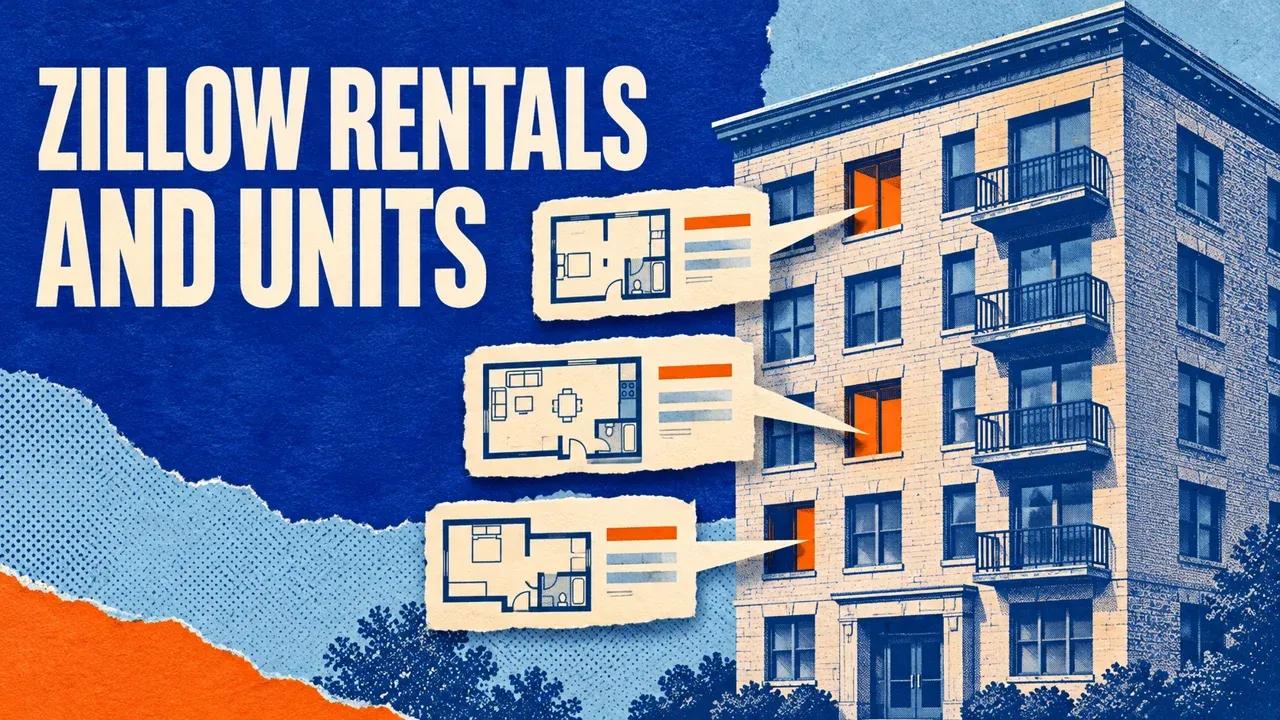
To export Zillow rental listings and available apartment units, use the Zillow Rental Scraper on Apify. Enter a city, ZIP code, rental search URL or supported apartment-building URL, run a small collection and download its Dataset as CSV. Keep rowType, recordId and the building context so you can tell individual units from property rows.
For an area-wide list, start with a city or ZIP. For one apartment building, use its supported Zillow page directly. The Actor can expand supported building pages into identifiable available units and retain their rent, availability and lease fields when the source provides them.
Step 1. Choose a rental area or one building
Open the Zillow Rental Scraper on Apify, click Try for free and sign in if prompted. Use the editable Input form in Apify Console.
- For an area search, enter
Austin, TXunder Cities or ZIP codes. - Set Maximum results this run to 20.
- Add a monthly rent cap if it is part of your brief, such as 2,500 USD.
- Keep advanced collection limits unchanged for the first test.
- Review pricing and set Max total charge in the run settings.
- Click Start and wait for the completed output.
Rental search is selected automatically for this Actor. You do not need to add a separate listing-type field.
{
  "locations": ["Austin, TX"],
  "maxResults": 20,
  "maxPrice": 2500
}
The example requests up to 20 saved rental rows. The count can be lower because of the available listings, filters, access, collection limits or budget.
The input reference describes the source and rent controls. The screenshot is read-only; enter your real search in the Console form.

Collect a known apartment building
Leave locations empty and put the supported /apartments/ or /b/ building URL in startUrls. Each entry is an object such as {"url":"YOUR_ZILLOW_BUILDING_URL"}. Replace that placeholder with the page you checked.
For the first building test, leave narrow rent filters unset so you can inspect the available unit format. Then add your intended filters. If you supply both an area and URLs, they share the run cap, and earlier sources can consume it before later ones are reached.
Step 2. Identify property rows and available units
Open the Dataset after the run finishes. A saved row represents either an individual rental property or an identifiable available unit. Read rowType before grouping or counting the results.
| Field | How to use it |
|---|---|
recordId | The returned row identifier for deduplication within the rental export. |
rowType | Distinguish property and unit rows. |
zpid, url | Keep available Zillow property identity and source links. |
buildingUrl, buildingName | Group unit rows under their source building. |
unitNumber | Retain the unit label separately from the building address. |
Two units can share a street address, bedroom count or floor plan while remaining separate available apartments. Keep their returned row IDs and unit labels. A floor-plan estimate without an identifiable unit should not become an invented apartment row.
Building expansion depends on the source layout and available unit information. A property row or building-level rent range alone does not establish how many apartments are currently available.
Keep advertised rent, base rent and fees separate
Use the same rent field when comparing units. The Actor preserves available rent and fee fields separately so you can review what the source amount includes.
| Field | Meaning |
|---|---|
monthlyRent | The advertised monthly rent value. |
baseRent | The available base-rent amount. |
requiredMonthlyMinFee | The minimum required monthly fee amount supplied by the source. |
includesRequiredMonthlyFees | Available source flag indicating whether the listing price includes required monthly fees. |
availableFrom, leaseTerm | Published move-in timing and lease information. |
bedrooms, bathrooms, livingArea | Unit or property attributes, with living area in square feet. |
For a fictional unit, the advertised amount might be $1,875, base rent $1,800 and required monthly fees $75. If the advertised amount already includes those fees, adding them again would overstate the amount. Keep the fields separate until the page or source flag explains the relationship.
Unknown fees and dates stay null. Avoid turning a missing fee into zero or treating a blank availability date as “available today.” Verify current terms on the source page when making a unit-level decision.
Step 3. Export a rental CSV you can compare
- Download the completed Dataset as CSV.
- Keep identity, building, rent, fee, availability and collection-time fields.
- Save an original copy with the source input, run ID and Dataset ID.
- Import identifiers, ZIP codes and unit labels as text.
- Separate property and unit rows in your working analysis.
Group available unit rows by buildingUrl when that context is present. Use recordId for row-level deduplication. If two buildings both have a unit 4B, the label alone is not a shared identity key.
For repeated observations, keep an observation date with every snapshot. A unit’s rent, availability or lease terms can change between collection and review. Preserve both observations when your report is about changes over time.
 Dievio
Your next customer starts here.
Find decision-makers by role, company and location. Build your next prospect list in Dievio.
Find my leadsFree audience preview · No credit card
Apply filters after understanding the first result
minPrice and maxPrice refer to advertised monthly rent in USD. For supported building expansion, rent filtering is applied to the resulting units. Bedroom, bathroom and square-foot filters can further narrow the output.
If a building appears to have missing units, compare its unfiltered small test with the filtered run. Check whether the units were outside your rent or size criteria, absent from the page or unavailable because of a source problem.
The general Zillow listing scraper is useful for basic rental cards. This rental workflow is the focused route for available-unit expansion and rental-specific fields.
Continue larger rental collections
maxResults supports 1–100,000 newly saved property or unit rows per run, subject to source availability and other limits. Manual location and URL lists accept up to 100 entries. The Free collection allowance is 50 rows across its continuation chain.
After a finished run, open PAGINATION. When hasMore is true, copy the full nextInput to another run of the same Actor and account. Keep the query and filters fixed, use the latest finished batch and set a new per-run budget.
The next Dataset contains newly saved rows. Retain the earlier Datasets and combine the batches. Continuation and Resurrect retain the Free allowance already used; raising maxResults does not increase it.
Check missing units and partial coverage
Read RUN_SUMMARY for savedResults, stopReason, coverageComplete and target information. Inspect ERRORS for source issues and REQUEST_METRICS for request diagnostics.
A supported building can still have no visible available units. A filtered, blocked or unfinished collection needs a separate outcome in your report. Count property rows and available-unit rows separately rather than treating every returned building context as a vacancy count.
Keep successful rows after a limit or temporary source failure. Use a provided continuation for unfinished work when appropriate. A new run can retry work but does not establish that a source restriction has ended.
Run rental extraction with your agent through Apify MCP
Connect your MCP-compatible agent to https://mcp.apify.com and authorize Apify through the MCP setup guide. Tell it whether your source is a market or a known building.
Use x_guru/zillow-rental-scraper.
Input area or building URL: [MY_SOURCE]
First-run maxResults: 20
Monthly rent limit, if needed: [AMOUNT]
Approved event-charge cap USD: [AMOUNT]

Inspect the current schema. For a
building-only run, leave locations empty.
Apply the approved cap through
callOptions.maxTotalChargeUsd.

Wait for completion and read all pages.
Preserve recordId, rowType, buildingUrl,
unitNumber, rent and fee fields,
availability, lease terms and scrapedAt.
Save raw output and a rental CSV.
Report property rows and unit rows
separately. Read RUN_SUMMARY, ERRORS and
PAGINATION and retain continuation input.
Include run ID and Dataset ID.
Wait before increasing the collection.
The agent starts with call-actor, checks progress using get-actor-run and reads results using get-dataset-items. Its report should retain unknown source values and explain incomplete coverage.
For known property history, see the Property Details guide. For typical regional rents over time, use the Zillow rent-index guide. For recurring application exports, follow the Apify run and Dataset guide.