Dievio
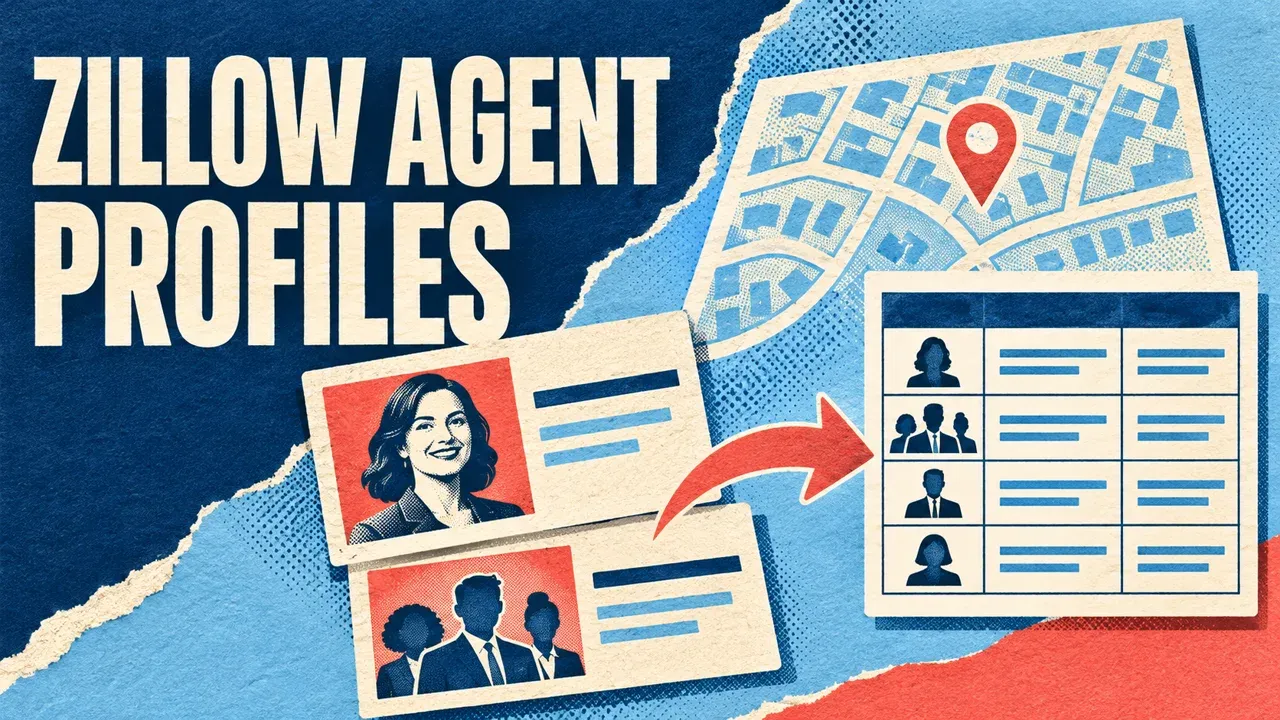
To export public Zillow agent profiles to CSV, enter a city, ZIP code or supported directory URL in the Zillow Agents Scraper on Apify. Enable profile details for available public business contacts and statistics, run a small batch, then download the Dataset. Keep profile IDs, URLs and isTeam so agents and teams remain distinguishable.
You can also supply known Zillow profile URLs directly. Start with ten results in one area and check the names, brokerage information and contact fields before expanding. An AI agent connected through Apify MCP can help prepare and run the same workflow.
Step 1. Choose a location, directory or known profile
Use a US city with its state, such as Austin, TX, or a five-digit ZIP. Keep the requested area in a source log so you can compare the directory search with the returned profile’s business location.
For known sources, use a Zillow /professionals/real-estate-agent-reviews/ directory URL or /profile/ URL. Leave locations empty for a URL-only run. Combined sources share the result cap, so separate runs are useful when every area needs its own sample.
This workflow collects agent and team profiles. For professionals attached to a particular property listing, the Property Details guide explains the listing-contact fields.
Step 2. Run an individual-agent test in Apify Console
Open the Zillow Agents Scraper on Apify, click Try for free and sign in if prompted. Use its editable Input form in Apify Console.
- Enter
Austin, TXunder Cities or ZIP codes. - Set Maximum results this run to 10.
- Keep Include profile contacts enabled.
- Turn Include teams off for an individual-agent pilot.
- Leave advanced collection settings unchanged.
- Review pricing, set Max total charge and click Start.
The input reference shows these controls. The image is read-only; enter the actual search in the Console form.

{
  "locations": ["Austin, TX"],
  "includeProfileDetails": true,
  "includeTeams": false,
  "maxResults": 10
}
The input requests up to ten qualifying rows. The source, filters, collection limits and run budget can lower that count.
Choose profile details and team inclusion deliberately
includeProfileDetails: true requests individual profile pages for available phone, email, brokerage and sales fields. Those extra requests can affect collection time. Profile enrichment is included in the Actor’s row pricing; review the current tariff before running a larger list.
For directory-only collection, set includeProfileDetails to false. This avoids additional profile requests during directory discovery. Contact fields that exist only on the individual page will then remain uncollected.
includeTeams defaults to true. Keep isTeam in every working export when teams are included. Team activity can represent multiple members, so compare individuals and teams in separate views.
Step 3. Review the actual profile output
Open the Dataset after the run finishes. Check several profile links and compare the displayed name, brokerage and returned business fields with the source.
| Field group | Keep and review |
|---|---|
| Profile identity | recordId, agentId, url, name. |
| Profile type | isTeam. |
| Available business contacts | phone, businessPhone, email, brokerage. |
| Location | city, state, zipcode. |
| Activity | rating, reviewCount, salesLast12Months, totalSales. |
| Collection | profileStatus, source, scrapedAt. |
Missing values stay null. A profile can publish a phone without an email or a brokerage name without detailed sales statistics. Keep that distinction instead of treating an empty field as a reason to discard an otherwise valid identity match.
Public profile contacts identify the agent or team represented by the page. Verify the role and source before using the data; property-owner identity is a separate question.
 Dievio
Your next customer starts here.
Find decision-makers by role, company and location. Build your next prospect list in Dievio.
Find my leadsFree audience preview · No credit card
Understand profileStatus and incomplete contact enrichment
A directory row can be retained if the additional profile request fails. Read profileStatus to distinguish fetched details, details not requested and failed enrichment. Check ERRORS for the relevant profile issue.
If contacts are absent, first check whether details were requested and whether the profile fetch completed. A successful fetch with no published address is different from a failed fetch that left the field unknown.
For a small set of profiles that need another review, submit the exact profile URLs as a separate logged run. Keep the original directory result and the later observation rather than silently overwriting its provenance.
Step 4. Download CSV without losing area attribution
- Choose CSV in the completed Dataset’s export action.
- Retain identity, team, contact and enrichment-status fields.
- Save the source input, run ID and Dataset ID with the original file.
- Keep phone values, ZIP codes and IDs as text in your spreadsheet.
- Create a unique-profile table and a separate search-to-profile mapping where needed.
Use the stable agent ID or verified canonical profile URL to review duplicates. A shared name alone is not enough. If two area searches return the same profile, one current profile record can retain two source-search relationships.
For example, a fictional agent appears in two neighboring directories while one directory also returns a team. Keep one reviewed individual record with two source links, and place the team in a separate view. Preserve the exact search inputs even when the returned business address is elsewhere.
Compare activity fields on the same basis
Keep rating and review count together: an average score and the number of reviews describe different aspects of the source. Keep the reported time window for sales fields, such as the last twelve months, with the value.
A team’s total can represent its members collectively. Use isTeam when summarizing activity, and retain missing or unclear statistics as unknown. Check the profile’s context before comparing figures across different profile types.
Continue a larger directory export
The Actor supports up to 100,000 newly saved agent or team rows per run. Manual source lists accept up to 100 entries. Source pagination, access, request limits and budget can stop a batch earlier.
Read RUN_SUMMARY, ERRORS and PAGINATION after each finished run. If hasMore is true, copy the full nextInput to the same Actor and account, keeping the query and profile settings unchanged.
Continue from the latest finished batch and set a new spending limit. The new Dataset contains newly saved rows; keep all earlier Datasets. The Free collection allowance is 25 rows across the continuation chain and still uses Apify credits.
Check coverageComplete and target information separately from the saved count. A directory that could not be read needs a different coverage status from a completed search without eligible profiles.
Run agent-directory collection through Apify MCP
Connect an MCP-compatible agent to https://mcp.apify.com and authorize Apify through the MCP setup guide. Give it the area and profile types you need.
Use x_guru/zillow-agents-scraper.
Area or supported profile URL: [MY_INPUT]
First-run maxResults: 10
Approved event-charge cap USD: [AMOUNT]

Inspect the current schema. Request
profile details and individual agents:
includeProfileDetails=true,
includeTeams=false.
Apply the approved cap through
callOptions.maxTotalChargeUsd.

Wait for the run and read all pages.
Preserve agent IDs, profile URLs, isTeam,
business contacts, activity fields,
profileStatus, source and scrapedAt.
Keep requested-area attribution.
Save raw output and a reviewed CSV.
Report failed enrichment separately
from absent public contacts.
Read RUN_SUMMARY, ERRORS and PAGINATION.
Save run and Dataset IDs and wait
before expanding the collection.
The agent starts with call-actor, waits using get-actor-run and reads results through get-dataset-items. For property inventory, use the listings guide; for listing contacts, see Property Details. Application downloads are covered in the Apify run guide.