Sales Intelligence Integration: How to Feed Real-Time Prospect Data Into Your Outbound Sequences
This article walks through the technical and operational aspects of integrating sales intelligence into outbound workflows. It covers the integration stack, real-time data pipeline architecture, enrichment triggers, CRM synchronization, and sequence automation. Designed for B2B operators and sales ops teams who want to move beyond manual data entry and build scalable, intelligence-driven outbound motions.
<!DOCTYPE html>
Sales Intelligence Integration: Feed Real-Time Prospect Data Into Outbound Sequences
Sales Intelligence Integration: Feed Real-Time Prospect Data Into Outbound Sequences
Introduction: Why Real-Time Data Matters for Outbound Sequences
In the world of B2B outbound, the difference between a successful campaign and a complete waste of time often comes down to one variable: data freshness. We've all been there. You build a sequence, craft a personalized hook based on a prospect's recent role change or company expansion, and hit send. Two days later, the prospect replies. You check your CRM, and the record is blank. The job title is outdated. The company has pivoted. You wasted three hours of your SDR's time on a dead end.
This is the fundamental friction of manual or batch-based data management. In a high-velocity sales environment, relying on spreadsheets that update once a week or manual exports that become stale immediately is a liability. To build a scalable, intelligence-driven outbound motion, you need to move beyond static lists. You need a dynamic pipeline where prospect data is not just a starting point, but a continuous stream of information that feeds directly into your sequencing logic.
This guide is designed for Sales Operations teams, developers, and experienced outbound operators who want to move past the "spreadsheet phase." We will walk through the technical and operational architecture required to integrate sales intelligence APIs into your outbound workflow. We will cover how to build real-time data pipelines, how to enrich records effectively, and how to sync that intelligence into your CRM and outreach tools without breaking your existing stack.
By the end of this article, you will have a blueprint for building a system where your outreach is always armed with the latest intelligence, ensuring every touchpoint is relevant and timely.
What Is Sales Intelligence Integration?
At its core, sales intelligence integration is the process of connecting external data sources to your internal sales infrastructure. It is the bridge between raw market data and actionable sales activities. While many teams confuse this with simple "lead generation," true integration involves a continuous loop of sourcing, enriching, and delivering data.
Unlike manual prospecting, where an SDR finds a contact and manually types the details into a CRM, integration automates this flow. It involves three distinct layers:
- Data Sourcing: Identifying potential prospects based on specific criteria (ICP, tech stack, geography).
- Enrichment Layer: Adding missing details to those prospects, such as verified emails, direct phone numbers, and intent signals.
- Delivery Systems: Pushing this enriched data into your CRM (like Salesforce or HubSpot) and triggering actions in your outreach tools (like Outreach.io or Salesloft).
When these layers are connected via API, you create a "living" database. A prospect record isn't static; it updates as the prospect's company grows, their technology stack changes, or their job title shifts. This is the foundation of modern, high-performance outbound.
The Sales Intelligence Integration Stack
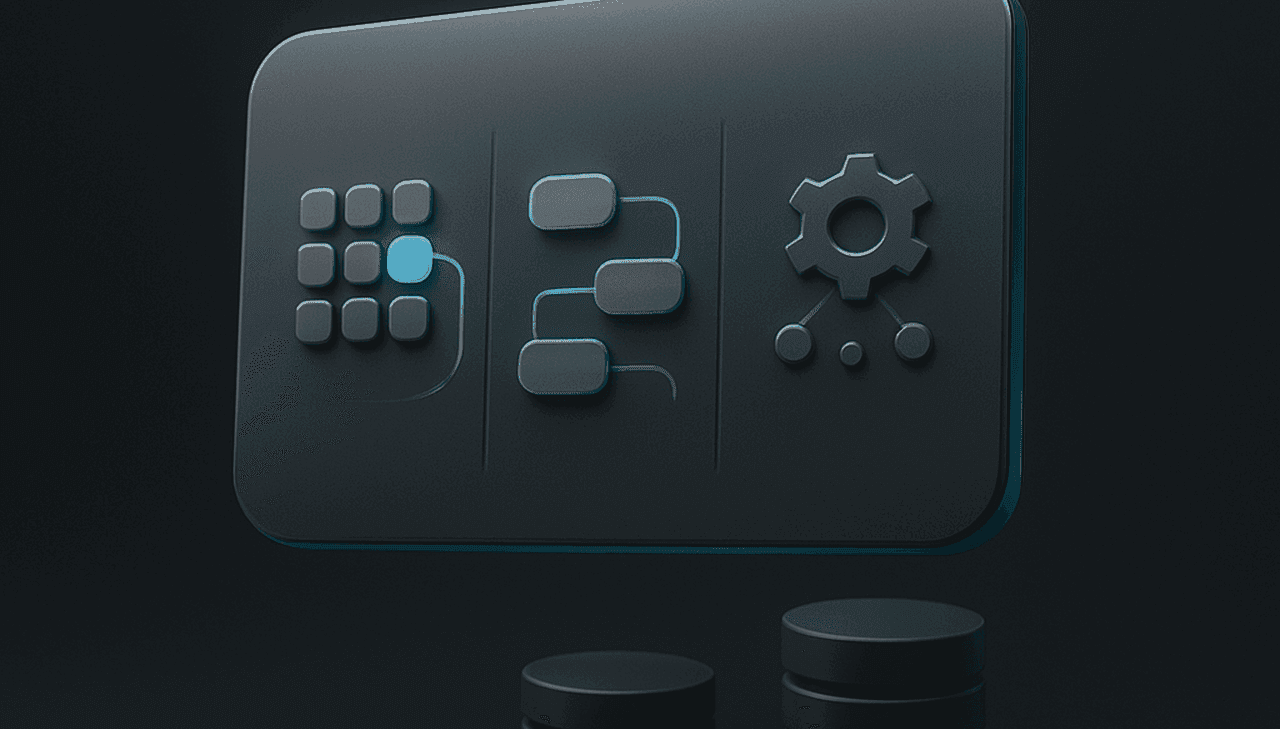
To understand how to build this, we first need to map out the components. A robust integration stack typically consists of data sources, an integration layer (the logic that moves data), and destination systems.
Here is a breakdown of the typical architecture:
| Component | Function | Common Examples |
|---|---|---|
| Data Sources | Provides the raw lead data and enrichment details. | Dievio API, LinkedIn Sales Navigator, ZoomInfo, Crunchbase, Intent Data Providers. |
| Integration Layer | The middleware or logic that fetches data, transforms it, and pushes it. | Zapier, Make (Integromat), Custom Python/Node.js scripts, Webhooks. |
| Destination Systems | Where the data lands and where the outreach happens. | Salesforce, HubSpot, Pipedrive, Outreach.io, Salesloft, LinkedIn Campaign Manager. |
For most technical teams, the "Integration Layer" is where the most work happens. You need to decide whether to use a no-code tool like Zapier for simple tasks or build a custom API connector for complex, high-volume workflows. Custom integration offers more control over data transformation and error handling, which is critical for enterprise-level outbound.
Building a Real-Time Data Pipeline
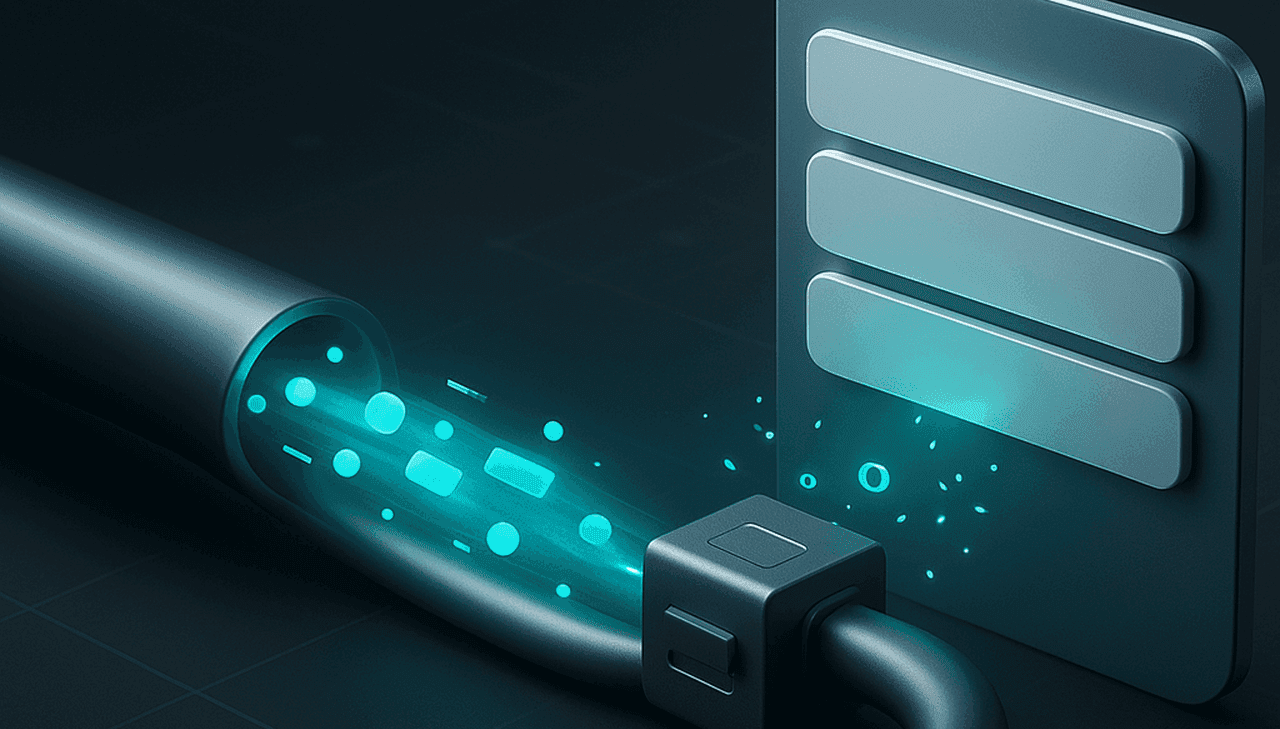
Once you have identified your stack, the next step is designing the pipeline. The goal is to minimize latency between a data event (like a new lead search) and the availability of that data in your CRM.
There are two primary architectural patterns for fetching data: Webhooks and Polling.
1. Webhooks (Event-Driven)
Webhooks are the gold standard for real-time integration. Instead of your system constantly asking for data, the data source notifies you when something changes. For example, if a prospect updates their job title on LinkedIn, the source sends a signal to your webhook endpoint immediately. Your system then captures that update and pushes it to the CRM.
2. Polling (Scheduled)
Polling involves your system checking for updates at set intervals (e.g., every 15 minutes). While this is easier to set up, it introduces latency. If a prospect changes roles at 10:00 AM and you poll at 10:30 AM, your outreach is already outdated. Polling is generally acceptable for lower-volume campaigns but is often insufficient for high-velocity SDR teams.
Workflow: Real-Time Data Pipeline Architecture
For additional context, see HubSpot on sales prospecting.
Here is how a typical webhook-driven pipeline flows:
- Trigger: A user initiates a search or a scheduled job runs (e.g., "Find all CTOs in Fintech").
- Fetch: Your integration script calls the API (e.g., Dievio API) with the search parameters.
- Enrich: The API returns the base list. Your script calls enrichment endpoints for specific records to get emails and phone numbers.
- Transform: The script normalizes the data (e.g., standardizing phone numbers, mapping custom fields to CRM fields).
- Sync: The script pushes the data to the CRM via their API.
- Trigger Outreach: If configured, the script sends a signal to the sequencing platform to start a campaign for these new leads.
For the most robust pipelines, you should implement a "buffer" or "queue" system. This prevents your CRM from being overwhelmed if a large batch of data arrives simultaneously, ensuring that the sync process doesn't time out or fail due to rate limits.
Enriching Prospect Data for Outbound Sequences
Raw lead data is rarely enough for a high-converting sequence. You need context. Enrichment is the process of adding that context. However, not all data is created equal. You must prioritize fields that directly influence your messaging strategy.
When building your enrichment workflow, focus on these high-impact fields:
- Verified Email & Phone: The absolute baseline. If you can't reach them, you can't sell to them.
- Job Title & Department: Crucial for personalization. Addressing a "CTO" differently than a "Marketing Director" changes the angle of your pitch.
- Tech Stack: Knowing if a prospect uses your competitor's software or a specific technology you target allows for highly relevant messaging.
- Intent Signals: Data indicating the prospect is actively researching solutions in your category.
- Company Size & Funding: Helps determine if the prospect has the budget and authority to make a decision.
Checklist: Essential Prospect Data Fields for Outbound
- Contact Email: Must be verified to ensure deliverability.
- Direct Phone Number: For multi-channel follow-ups.
- Current Job Title: To ensure you are targeting the right decision-maker.
- Company Revenue/Headcount: To validate ICP fit.
- Recent News/Events: For "trigger event" personalization (e.g., "Congrats on the Series B").
- LinkedIn Profile URL: To link back to the source of truth for the prospect.
When integrating enrichment, be mindful of the timing. Some data sources offer "real-time" enrichment, while others have a delay. If you are building a pipeline where you search for leads and immediately start emailing, ensure your enrichment step happens before the email is queued. If you are running a "set it and forget it" campaign, a slight delay in enrichment is acceptable.
Syncing Enriched Data to Your CRM
Once your data is enriched, it needs to live in your CRM. This is where many integrations fail. The challenge isn't just moving data; it's moving it correctly. You need to handle field mapping, deduplication, and conflict resolution.
Field Mapping Strategies
Every CRM has its own schema. Salesforce, for instance, is rigid and hierarchical, while HubSpot is more flexible. You must map your API fields to the CRM fields accurately. For example, a "Company Name" field in your API might map to "Account Name" in Salesforce and "Company" in HubSpot. Custom fields are essential here to store niche data like "Tech Stack" or "Funding Stage."
Real-Time vs. Batch Sync
You have a choice on how often to sync data. Real-time sync ensures your SDRs always have the latest info, but it puts a constant load on your APIs and CRM. Batch sync (e.g., every 4 hours) is lighter on the system but leaves data stale. For most outbound teams, a hybrid approach works best: real-time sync for new leads, and batch updates for existing records.
CRM Sync Strategies Comparison
| Strategy | Pros | Cons | Best For |
|---|---|---|---|
| Real-Time Webhook | Instant data availability; SDRs never work with stale info. | High API usage; requires robust error handling. | High-velocity SDR teams; dynamic campaigns. |
| Scheduled Batch | Lower API costs; less strain on CRM. | Data can be hours or days old. | Long-term nurture campaigns; low-volume teams. |
| Hybrid | Best of both worlds; new leads are instant, updates are periodic. | More complex logic to manage state. | Enterprise teams with mixed campaign types. |
Deduplication and Conflict Resolution
One of the most common issues is duplicate records. If you search for a lead, then search again, or if a lead updates their email, you might create a new record in your CRM instead of updating the old one. You need a deduplication logic that checks for existing records based on email or phone number before creating a new entry.
Furthermore, consider "upsert" logic. If a record exists, update it. If it doesn't, create it. This ensures that if a prospect changes jobs, you don't lose the historical data of their previous role, which might still be relevant for past campaigns.
Triggering Outbound Sequences From Enriched Data
The ultimate goal of this integration is to automate the start of your outreach. This is where the intelligence becomes actionable. You can set up triggers based on specific data points.
Event-Driven Triggers
For additional context, see Salesforce Lead Management implementation guide.
Instead of manually adding leads to a campaign, your system should detect when a lead becomes "ready." For example:
- New Record Created: Automatically add all new enriched leads to a "New Leads" sequence.
- Score Threshold Met: If a lead has a high "intent score" or matches a specific tech stack, trigger a "High Priority" sequence.
- Role Change: If a prospect's title changes from "Manager" to "Director," trigger a "Promotion" sequence.
Workflow: Trigger-Based Outbound Sequence Flow
Here is a logical flow for how this automation should work:
- Data Ingestion: The API returns a list of qualified leads.
- Enrichment Check: The system verifies that email and phone are valid.
- CRM Sync: The leads are added to the CRM with the correct tags (e.g., "Fintech," "Series B").
- Tag Trigger: The CRM or sequencing tool detects the new tag.
- Sequence Assignment: The sequencing platform automatically assigns the lead to the appropriate SDR or campaign.
- Personalization Injection: The outreach tool pulls the enriched data (e.g., "I saw you just joined [Company]") to personalize the first email.
This automation ensures that no lead slips through the cracks. It also allows for "dynamic segmentation." If a prospect's company recently raised funding, your system can automatically shift them from a "General Awareness" campaign to a "Funding Round" campaign without manual intervention.
Automation Best Practices for Integration Pipelines
Building the pipeline is only half the battle. Maintaining it requires robust engineering practices. If your integration breaks, your sales team stops working. You need to build resilience into your system.
Rate Limiting and Throttling
APIs have limits. If you try to fetch 10,000 records in a minute, you will get blocked. You must implement rate limiting in your integration code. This means pacing your requests. If the API allows 100 requests per minute, your script should sleep for 6 seconds between batches of 100 records.
Error Handling and Retry Logic
APIs go down. Data sources have outages. Your integration must handle these gracefully. Implement a retry mechanism with exponential backoff. If a request fails, wait 1 second, try again. If it fails, wait 5 seconds, try again. If it fails after 5 attempts, log the error and move on, rather than crashing the entire pipeline.
Logging and Alerting
You need visibility. Set up logging for every API call. If a sync fails, you should receive an alert (via Slack or email) immediately. This allows you to fix issues before they impact your sales team.
Checklist: Integration Health Monitoring Essentials
- API Uptime Monitoring: Check if the data source is up before starting a job.
- Error Rate Tracking: Monitor the percentage of failed API calls daily.
- Data Freshness Checks: Verify that data is actually being updated in the CRM.
- Rate Limit Alerts: Alert if you are approaching API limits.
- Webhook Delivery Logs: Ensure webhooks are being received and processed.
Common Integration Pitfalls and How to Avoid Them
Even with a solid plan, integrations can go wrong. Here are the most common pitfalls and how to avoid them.
1. Stale Data Synchronization
The Problem: You sync data, but the source changes it before you pull it again. You end up with conflicting records.
The Fix: Use "upsert" logic and unique identifiers (like a CRM ID or a generated UUID) to track records across syncs. Always prioritize the most recent timestamp.
2. API Reliability and Downtime
The Problem: Your pipeline works fine until the data source goes down for maintenance.
The Fix: Build a "circuit breaker." If the API fails X times in a row, pause the pipeline and alert the team. Don't keep hammering a broken API.
For additional context, see LinkedIn Sales Navigator product overview.
3. Data Privacy and Compliance
The Problem: Integrating data without respecting GDPR or CCPA regulations.
The Fix: Ensure your integration allows for "opt-out" flags. If a prospect unsubscribes, your system should automatically flag them in the CRM and stop all future outreach. Always verify the source of your data is compliant.
4. Integration Maintenance
The Problem: APIs change their endpoints or authentication methods, breaking your code.
The Fix: Use versioning in your API calls. Document your integration logic clearly so it can be updated quickly when the source changes.
Measuring the Impact of Sales Intelligence Integration
How do you know if your integration is working? You need to measure the impact on your sales metrics. Don't just look at "data freshness"; look at the business outcome.
Key Metrics to Track:
- Data Freshness Rate: What percentage of your active leads have data updated in the last 24 hours?
- Enrichment Coverage: What percentage of leads have verified emails and phone numbers?
- Sequence Response Rate: Compare the response rate of "integrated" campaigns vs. "manual" campaigns.
- Time-to-First-Contact: How quickly can an SDR reach a new lead after the lead is added to the system?
If you see a significant increase in response rates or a decrease in time-to-contact after implementing your integration, you have a clear ROI. This data can be used to justify further investment in automation and better data tools.
Conclusion: Building a Scalable, Intelligence-Driven Outbound Motion
Integrating sales intelligence into your outbound workflow is not just a technical task; it is a strategic imperative. In a competitive B2B landscape, the ability to act on real-time information is what separates high-performing teams from the rest. By moving away from static spreadsheets and manual entry, you unlock the potential of your data to drive revenue.
The architecture we've discussed—combining API-driven pipelines, intelligent enrichment, and automated CRM syncing—creates a flywheel effect. As your data gets better, your outreach gets more relevant, and your conversion rates improve. This, in turn, justifies the investment in better tools and more sophisticated integrations.
Start small. Build a pilot integration for one campaign. Measure the results. Then, scale it across your entire sales organization. The goal is to make your sales team so efficient that they spend less time hunting for data and more time closing deals.
Ready to build your own intelligence-driven pipeline? The tools are available, and the architecture is proven. Start by exploring the Dievio API to see how you can integrate real-time prospect data into your own workflow. For more on building custom workflows, check out our guide on how to build a white-label lead search workflow.
For those looking to understand the broader context of data quality, we recommend reading our article on B2B Data Coverage, Accuracy, and Validation. And if you need help connecting this data to your CRM, see our deep dive on how to sync lead search with CRM or outbound systems.
Stop letting stale data kill your momentum. Start integrating today.
Related workflow: Lead Search API: When a Team Outgrows Manual Exports.
Related workflow: Programmatic Lead Enrichment for Internal Tools: A Technical Implementation Guide.
Build Your First Outbound List to validate the segment before you commit to full outreach.